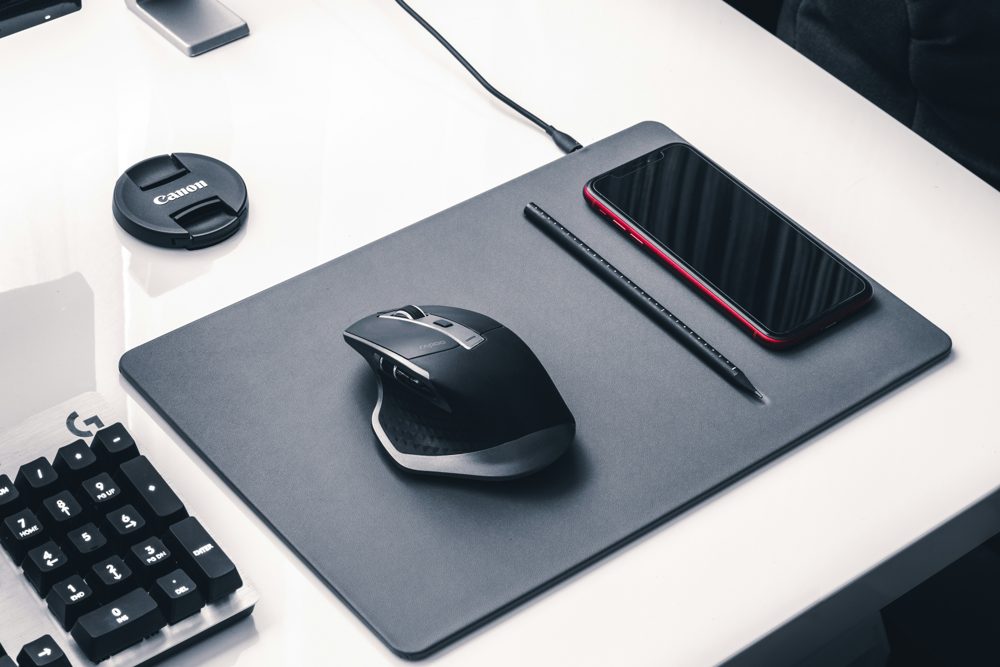
A desk mat protects the surface from scratches and spills, gives the mouse a smooth place to move and makes a workspace look finished. Choosing one comes down to material, size and how easy it is to clean. Here is what to check.
Why use a desk mat
A mat reduces wear from laptops, cups and keyboards, and it can deaden the noise of typing. It also defines your work area, which helps the desk look orderly. A large mat can replace a separate mouse pad.
Materials
- Felt: soft, quiet and warm to the touch. It can collect crumbs and may stain, so it suits drier desks.
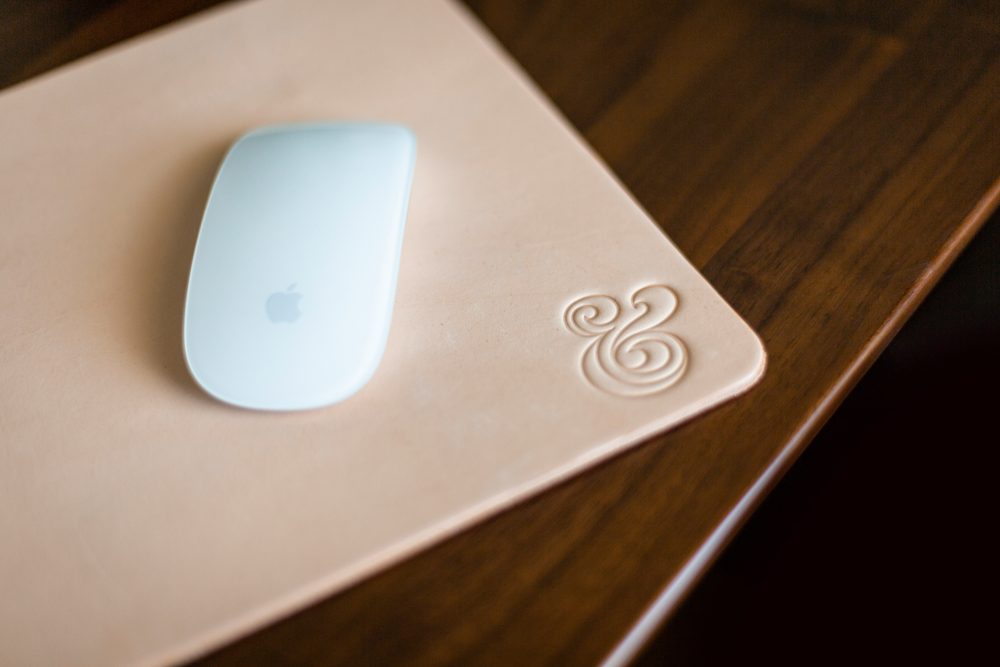
- Leather and leather-look: wipes clean and looks smart. Leather-look surfaces are easy to care for, but some can become sticky or crack over time.
- Fabric and microfiber: smooth for mice and available in many designs, though liquids can soak in.
- Cork: textured, durable and eco-friendly in look, with a natural grip.
- Rubber-backed pads: stay in place and protect the desk beneath.
Size
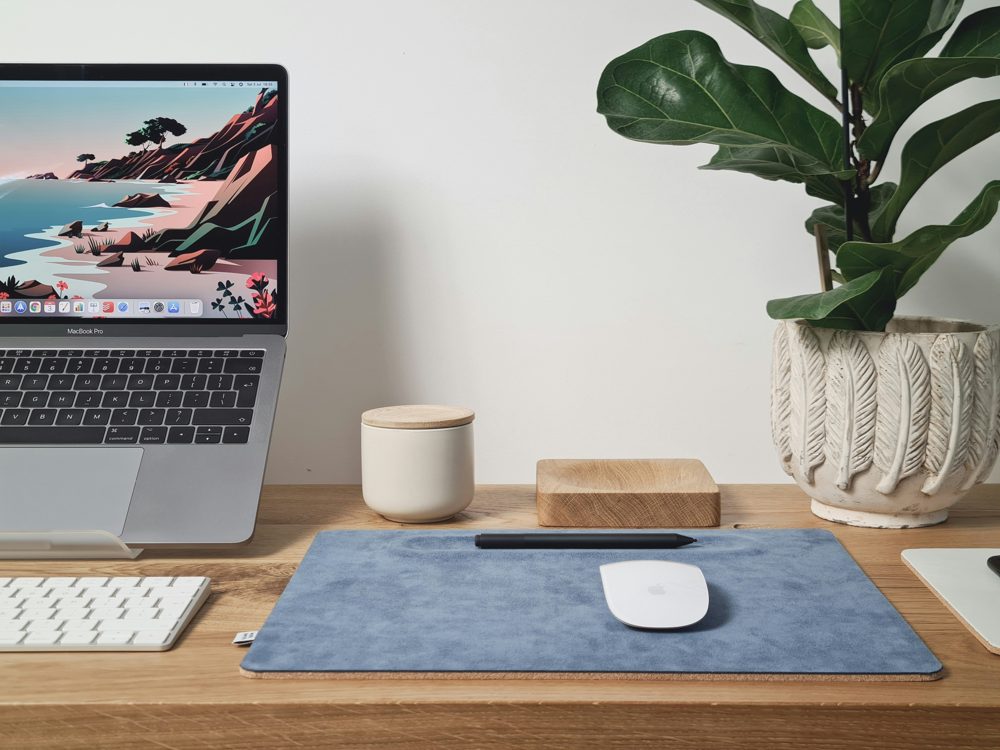
Measure your desk, and decide what should sit on the mat. A large mat, such as about 31 by 15 inches, holds a keyboard and mouse. Longer ones, around 35 by 17 inches or more, may also take a laptop. Leave a little desk showing around the mat for a tidy edge. A mat that is too small does little, and one that is too large can hang over the edge and slide.
Thickness and grip
A thin mat, around 2 to 3 mm, keeps the mouse and keyboard at a comfortable height. A thicker mat adds cushioning for forearms but may raise the keyboard. Check for a non-slip base, since a mat that slides is frustrating. Look at stitched edges, which stop fraying.
Spills and cleaning
If you drink at your desk, choose a wipeable mat. Wipe it with a slightly damp cloth, and avoid strong cleaners. Felt can be lightly brushed or vacuumed. Always check the care instructions.
Coasters and other protection
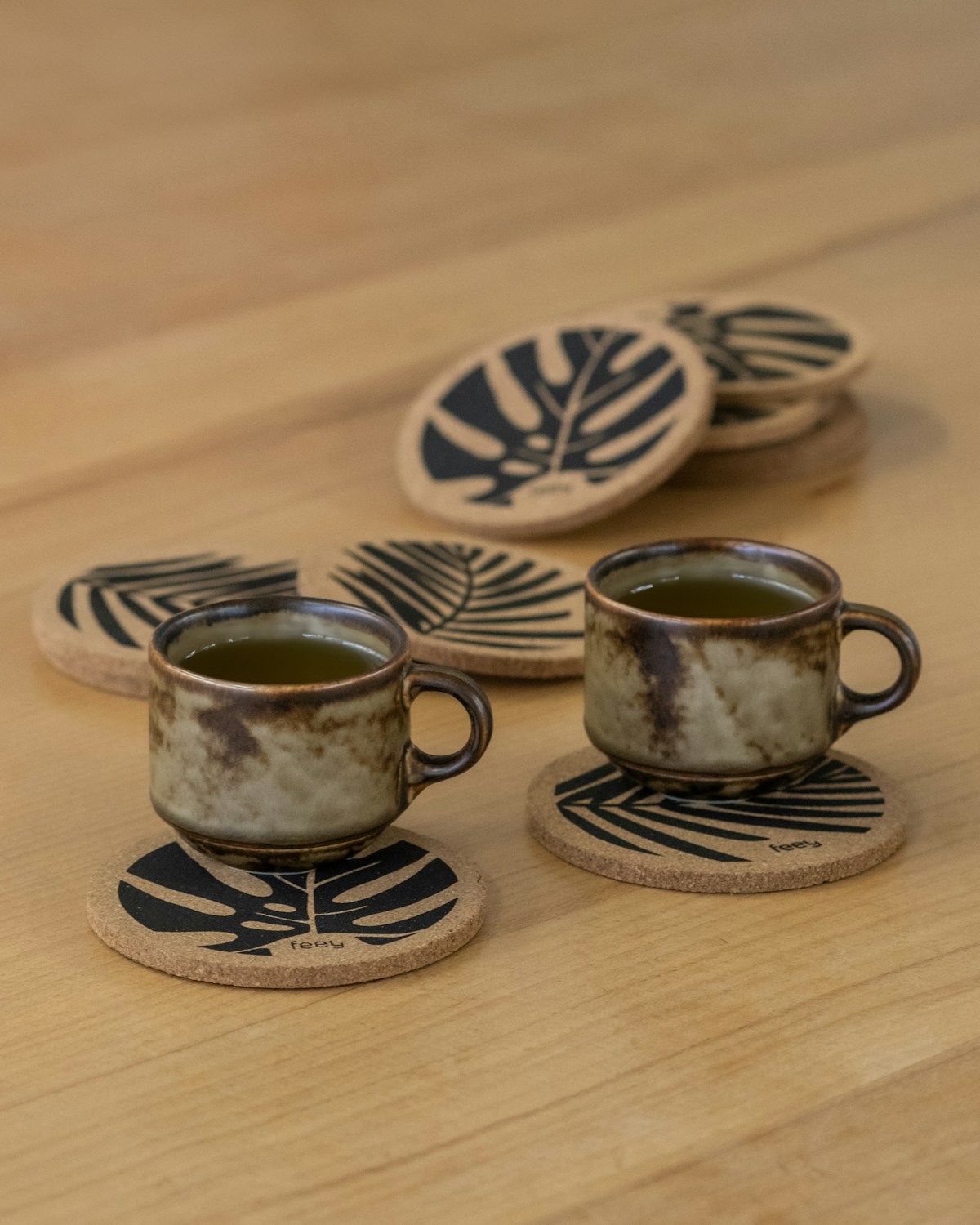
A set of coasters protects wood from rings and heat. A cleaning kit with a cloth and a small brush keeps the desk and mat dust-free.
Heat and laptops
Laptops can get warm, and thin leather-look materials may mark with heat or pressure. If you use a laptop on the mat, check that the material is suitable, or raise the laptop on a stand.