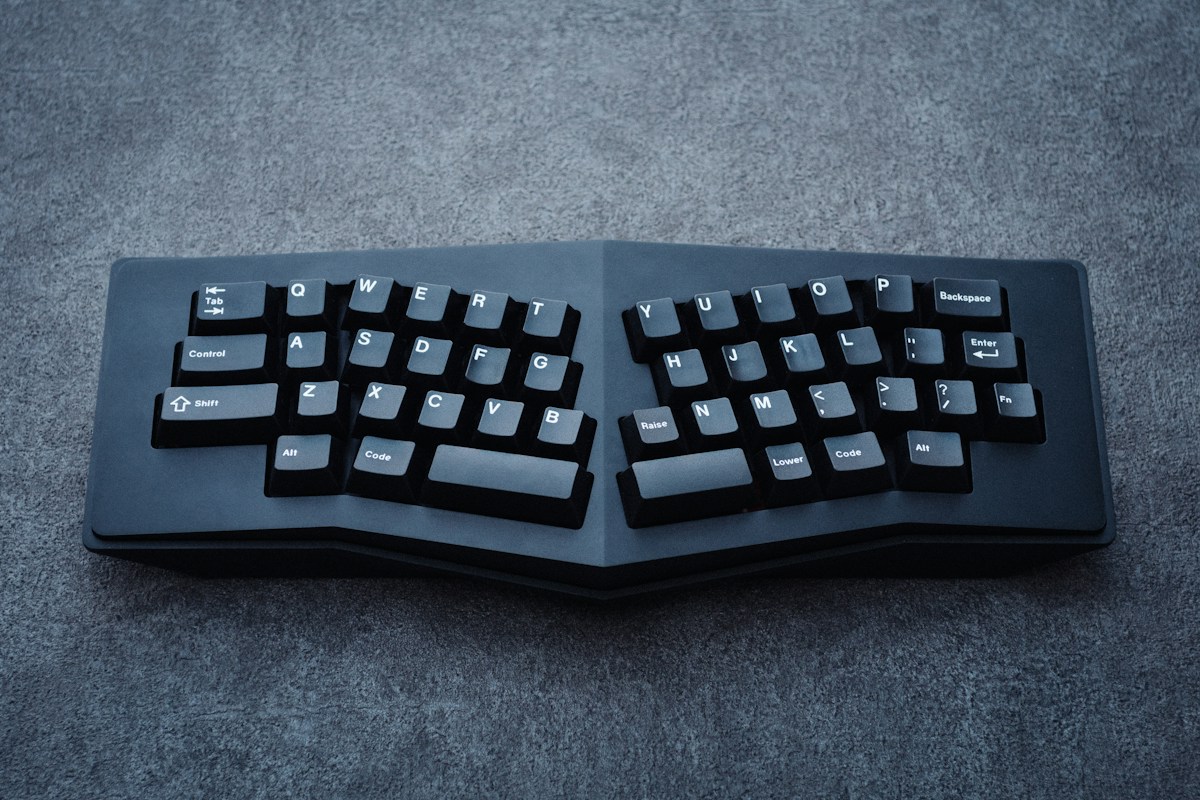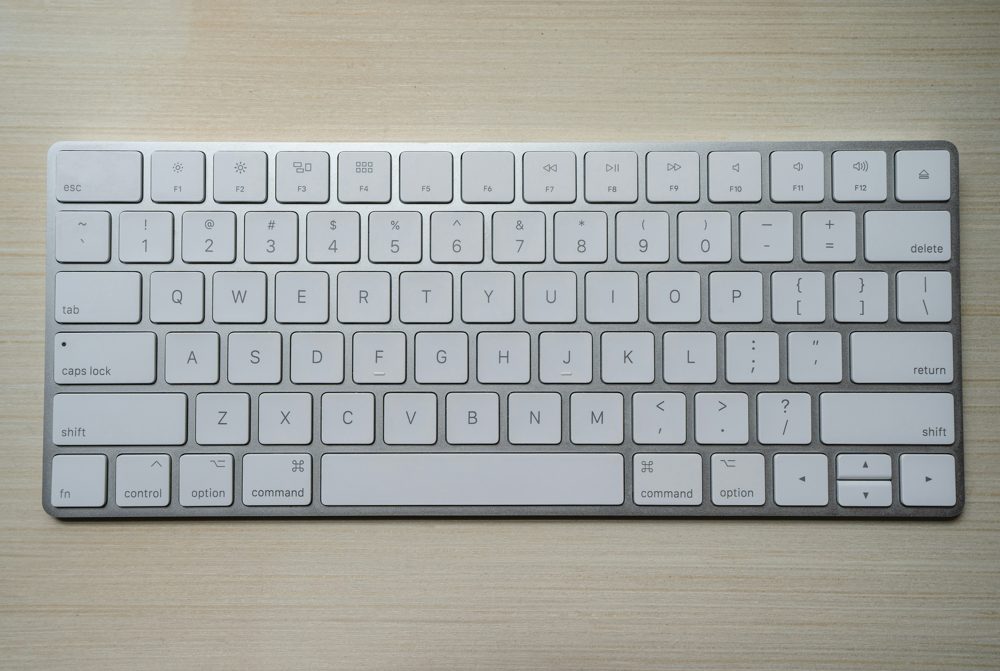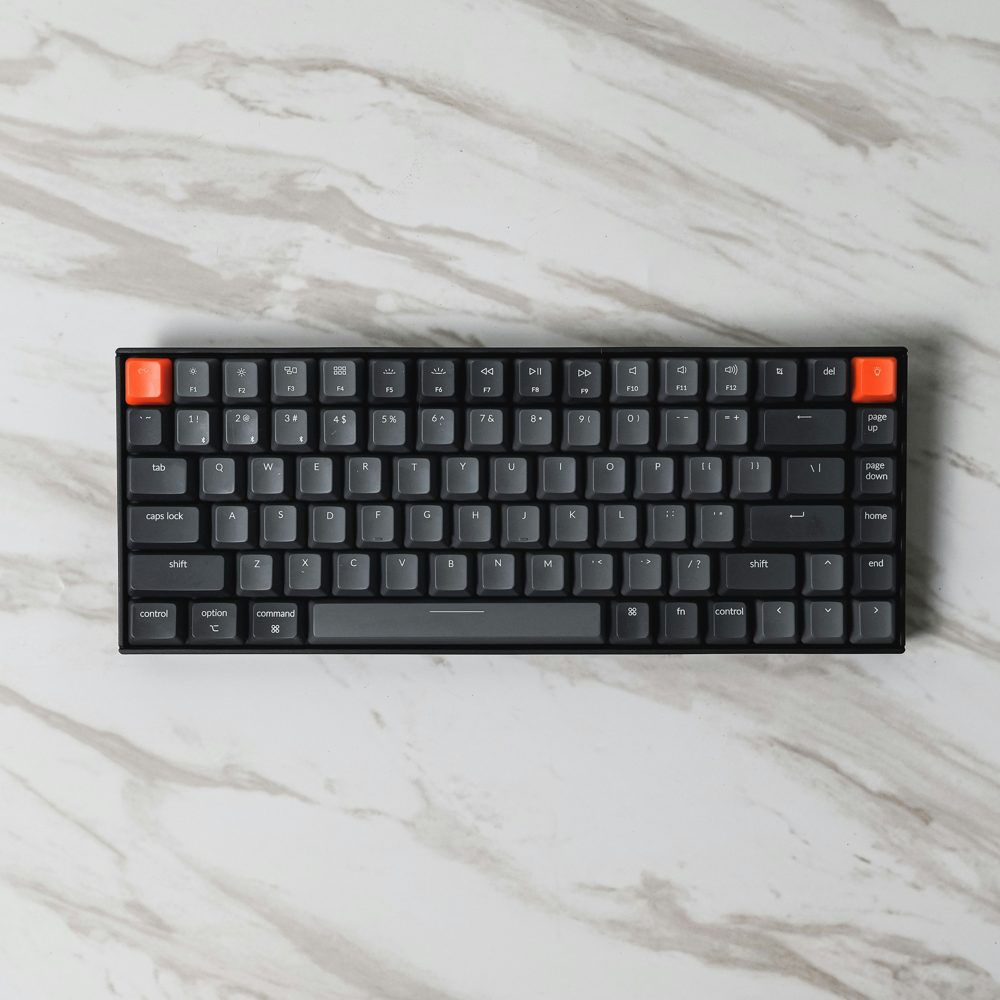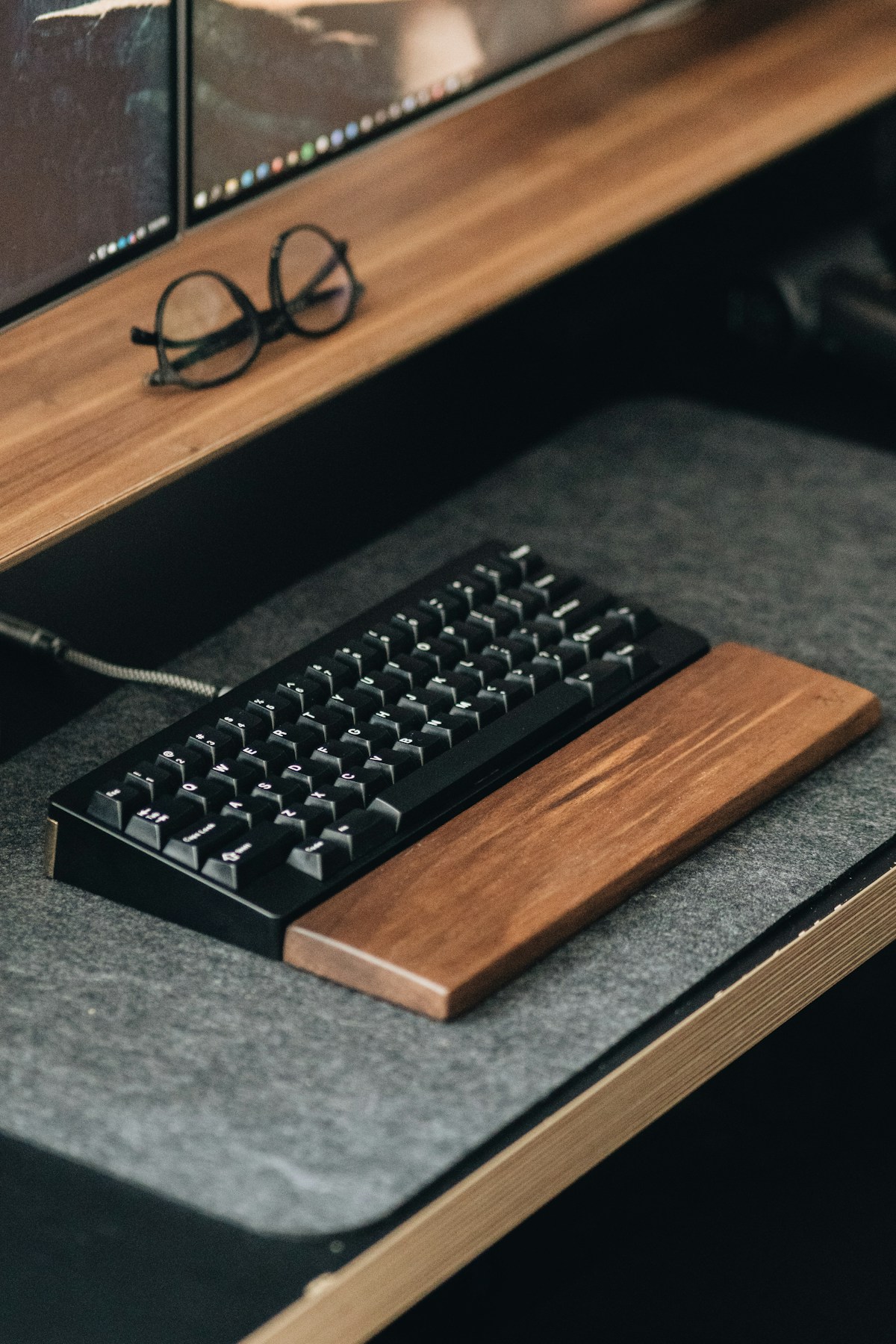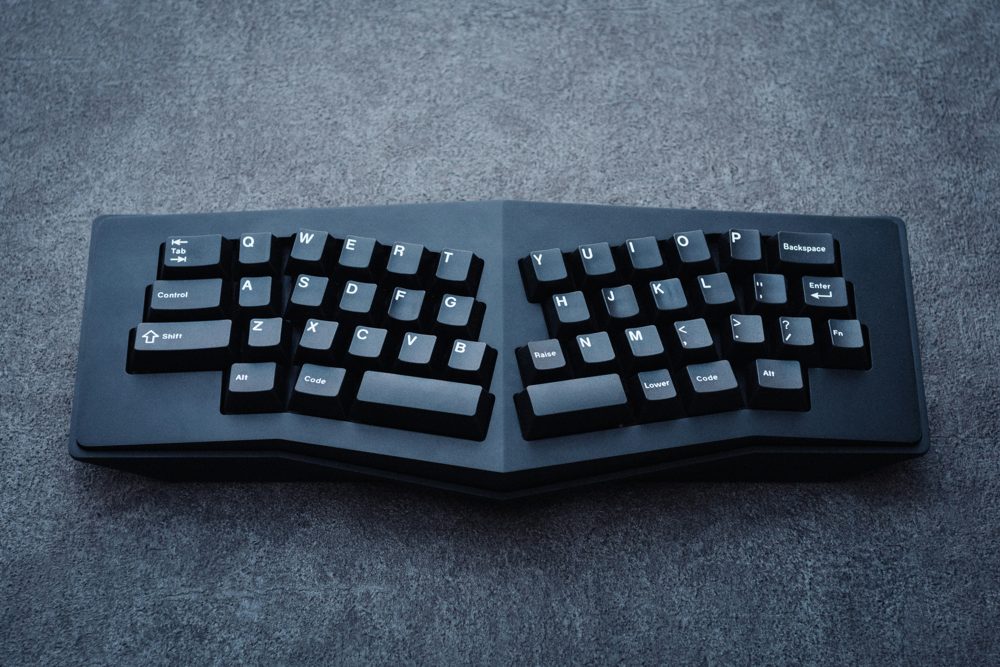
An ergonomic keyboard changes the shape or layout of the keys so your hands and wrists sit in a different position. They are not a cure for anything, and not everyone prefers them, but many people find them more comfortable for long typing sessions. Here is how the main types differ.
What ergonomic means here
Ergonomic describes a design aimed at a comfortable, natural posture. A standard keyboard places your hands flat and close together, with the wrists turned slightly. An ergonomic design tries to reduce that turn, though the effect varies from person to person. If you have pain or numbness, speak to a qualified professional, since a keyboard alone may not help.
Types to know
- Split keyboards divide the keys into two halves so your arms can rest further apart, which suits a wider shoulder position.
- Curved or wave keyboards arc the key rows to follow the natural reach of the fingers.
- Tented keyboards raise the middle so your hands tilt toward a handshake position.
- Compact and tenkeyless keyboards remove the number pad, which brings your mouse closer.
- Low-profile keyboards have flatter keys and shorter travel.
Adjusting to a new layout
Expect a learning period. A split or curved layout can feel strange for the first week or two, and your typing speed may drop at first. Start with short sessions and keep your old keyboard on hand if you need to switch back.
Key feel and noise
Mechanical keyboards use switches that click or feel smooth, and they last long but can be loud. Membrane keyboards are quieter and soft. If you share a room or take calls, look for a quiet model or one described as silent. Check reviews for key feel.
Wired or wireless
A wired keyboard needs no batteries and has no lag. A wireless keyboard connects through Bluetooth or a small USB receiver, and it frees up desk space. Check the battery type, or whether it recharges by USB.
Wrist rests
A cushioned wrist rest can be comfortable during pauses. Many people suggest resting the palm while you stop typing, but floating your hands while typing. Pick a rest at the same height as the front edge of the keyboard.
Compatibility
Check whether the keyboard works with your operating system, and whether the keys include the right layout for your language.