Headphones are one of the most-used items on a home office desk, for calls, music and shutting out noise. The best pair depends on how long you wear them, whether you take calls and how much background noise you face. Here is how the main types compare and what to check.
Over-ear headphones
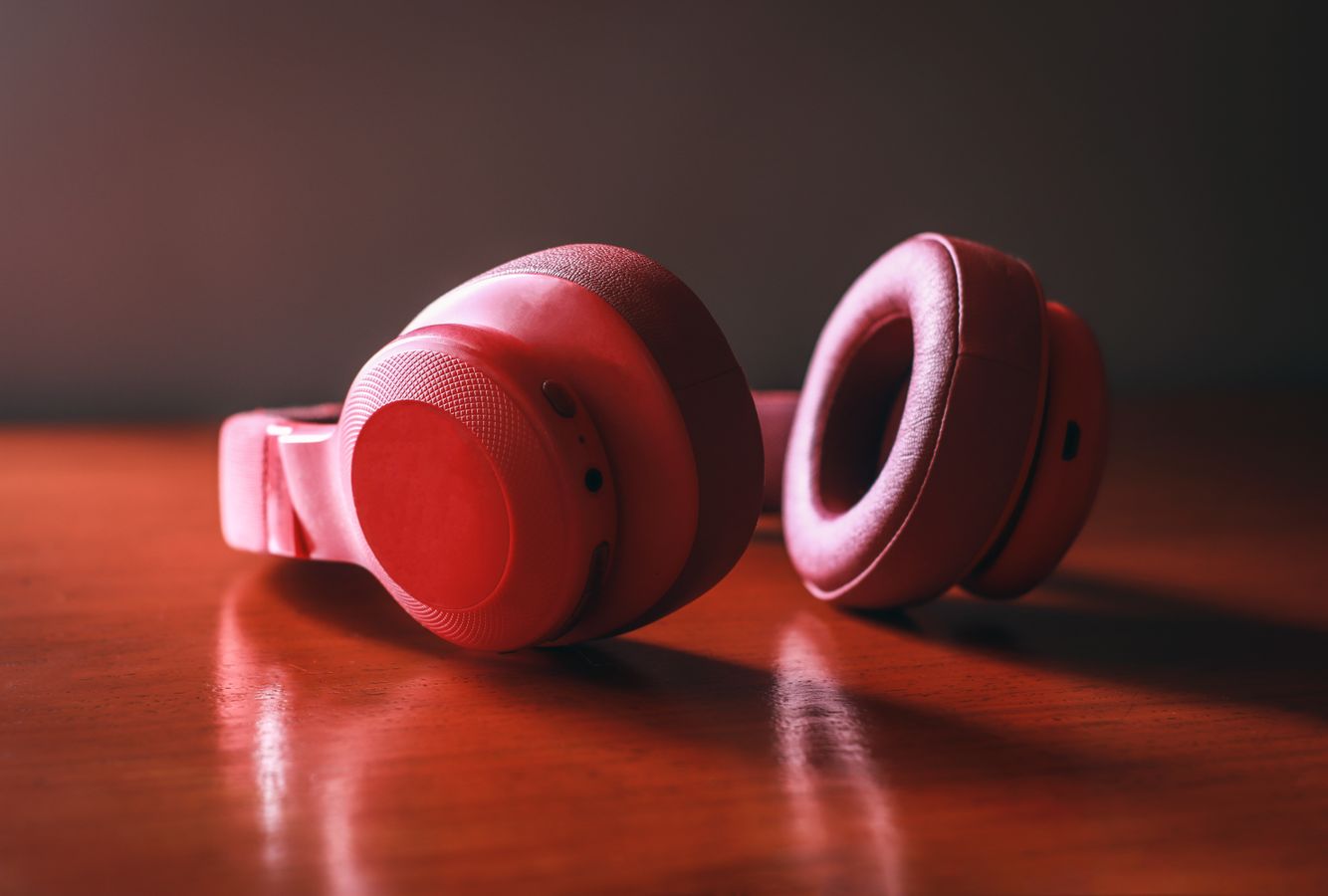
Over-ear headphones have cushions that surround your ears. They are comfortable for long sessions because they spread pressure, and they block more outside sound. They can feel warm, and they take space on the desk and in a bag. Look at the weight and the padding, and try to wear them for a while before deciding.
On-ear headphones
On-ear models rest on the ears. They are lighter and more compact, but the pressure can become uncomfortable over several hours. They let in more outside noise.
Earbuds
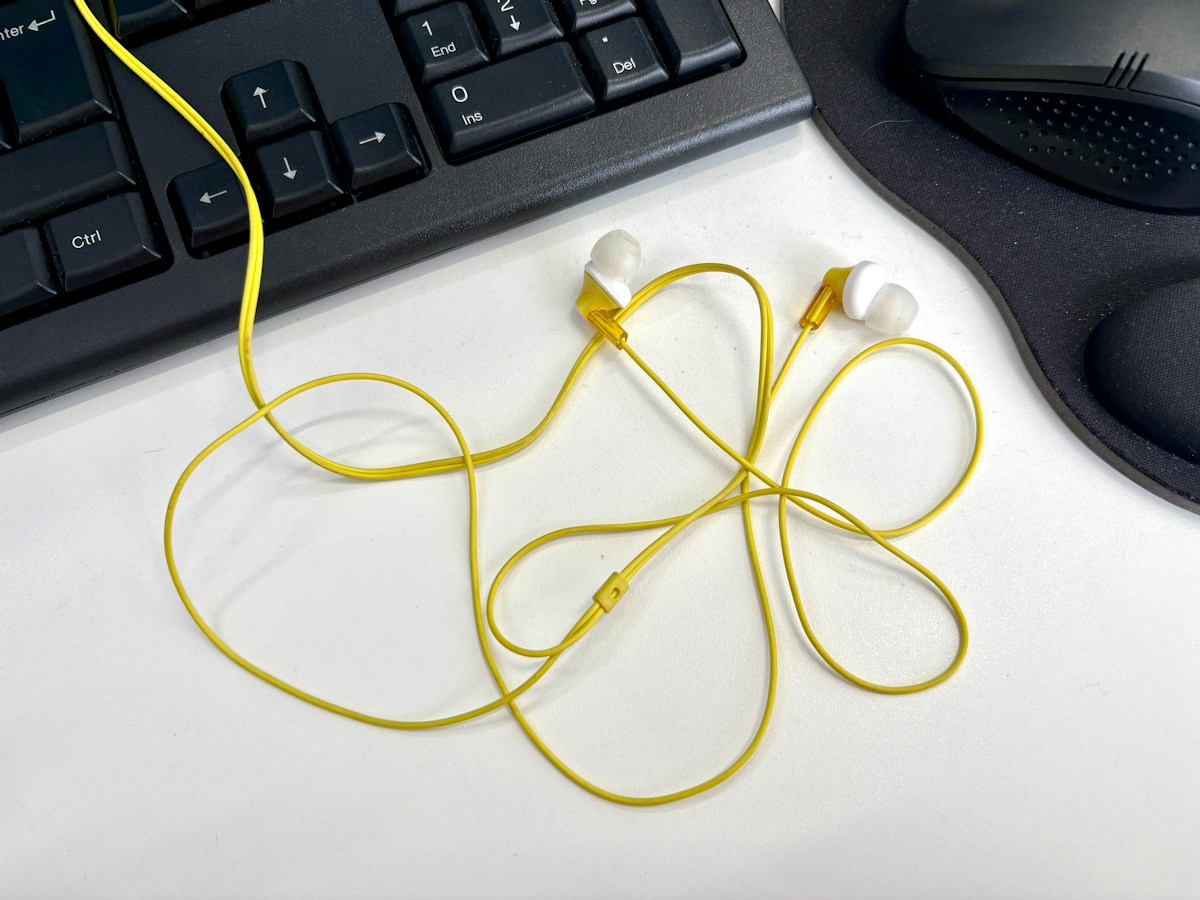
Earbuds are the smallest and the easiest to carry. In-ear types seal the ear canal and can block noise, but some people find them uncomfortable over long periods. Wireless earbuds need charging, and a case helps. Wired earbuds are a simple backup that never needs a battery.
Headsets with a microphone
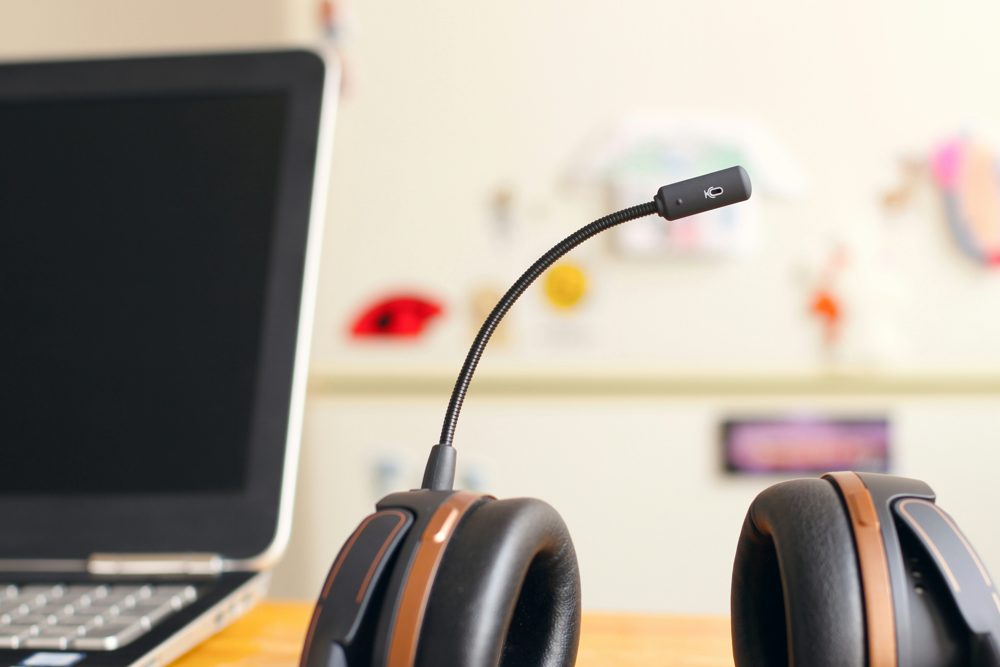
If you spend much of the day on calls, a headset with a boom microphone gives clearer speech than built-in laptop mics, because the mic sits near your mouth. Check that the microphone can be muted and that the boom moves out of the way.
Noise cancellation
Active noise cancellation uses microphones to reduce steady background sounds, such as fans or traffic. It works best on low, constant noise and less well on voices. Some people find it tiring, so check whether you can turn it off. Passive isolation comes from the shape and padding.
Wired or wireless
Wired headphones have no battery and no delay. Wireless ones use Bluetooth, which gives freedom of movement. Check the battery life, how it charges and whether it connects to two devices at once, such as a laptop and a phone. Make sure the headphones work with the apps you use for calls.
Comfort and fit
Check the headband padding, the clamp force and whether the ear cups rotate. Glasses wearers may find some cushions press on the frames. Leatherette cushions can get warm, while fabric ones breathe more.
Listen safely
Keep the volume at a level where you can still hear someone talking nearby, and take breaks. If you notice ringing or discomfort, speak to a qualified professional.
Care
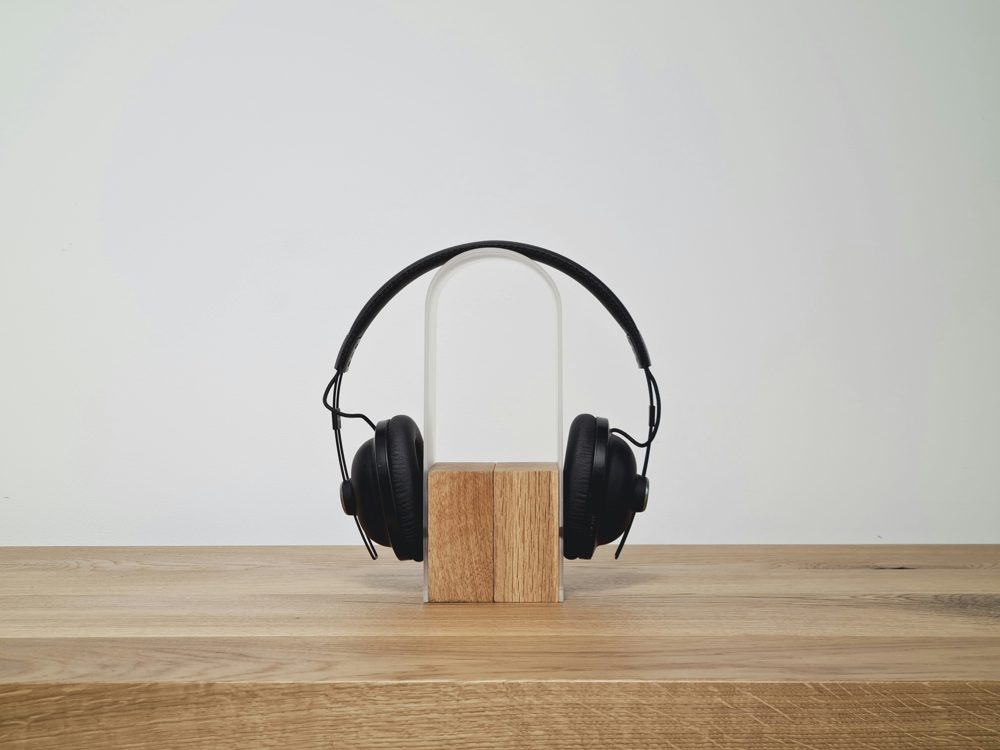
Wipe the cushions, store headphones on a stand to keep the shape and keep cables from bending sharply.