A wireless keyboard and mouse set clears cables off the desk and is often cheaper than buying the two separately. Not all sets are equal, though. Here is what to compare before you choose.
Receiver or Bluetooth
Many sets use a small USB receiver that plugs into the computer. It is simple and reliable, but it uses a port. Bluetooth sets need no receiver and can connect to tablets as well. Some sets offer both. Check that your computer supports the connection.
Battery life
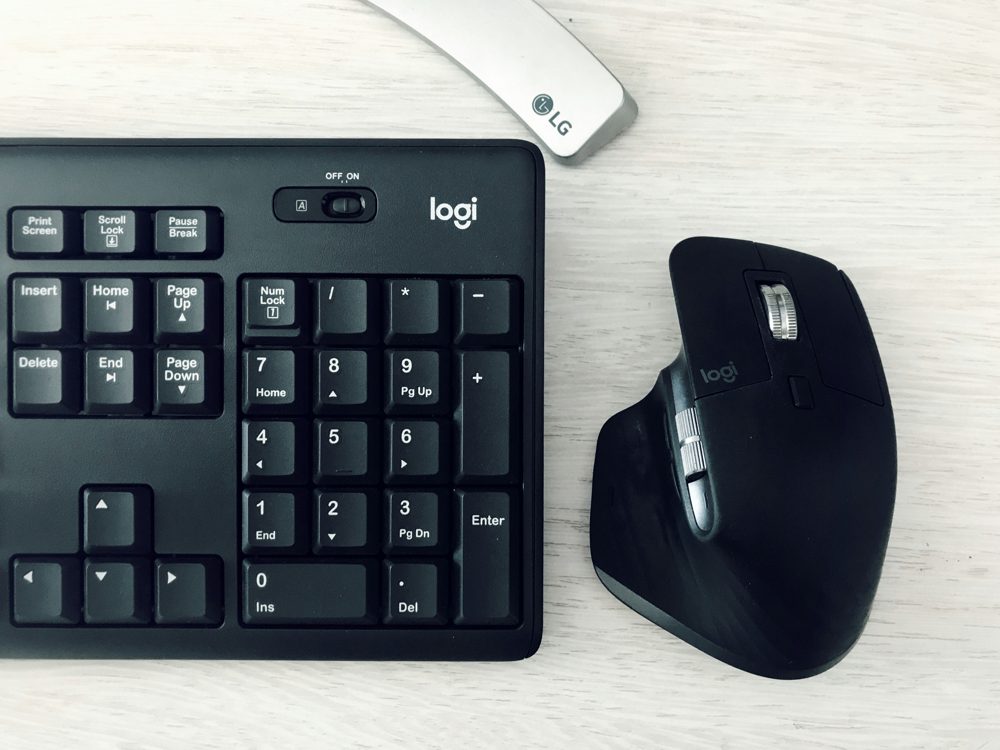
Batteries last from several months to a couple of years, depending on the model. Rechargeable sets need a USB cable, and a quick charge is handy. Some have an off switch to save power. Keep a spare set of batteries if the set uses them.
Size and layout
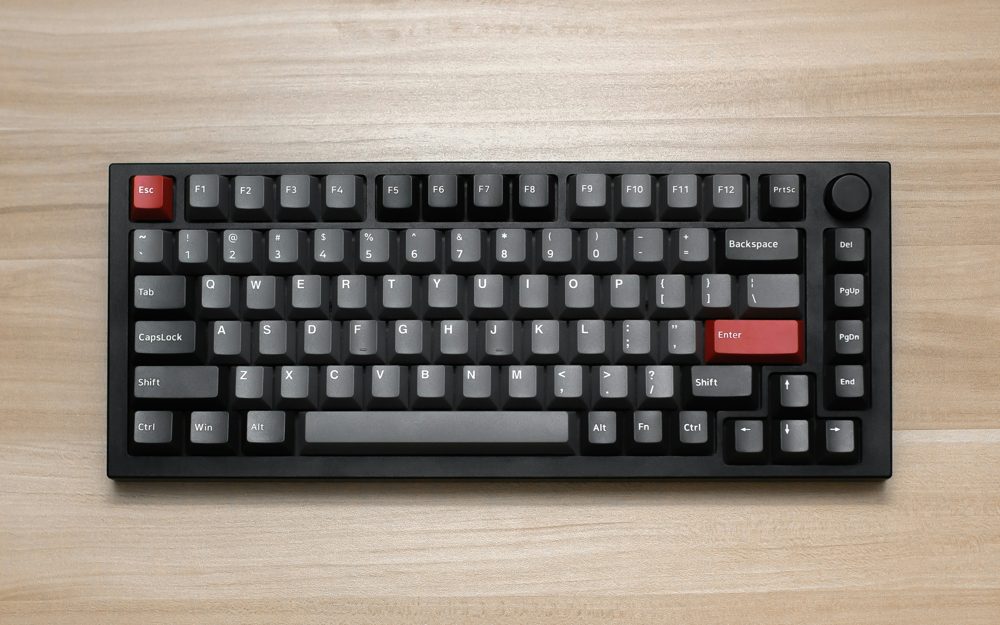
Full-size keyboards include a number pad, which is useful for spreadsheets. Compact keyboards leave more space for the mouse. Check the layout if you need a specific one, for example US English.
Typing feel
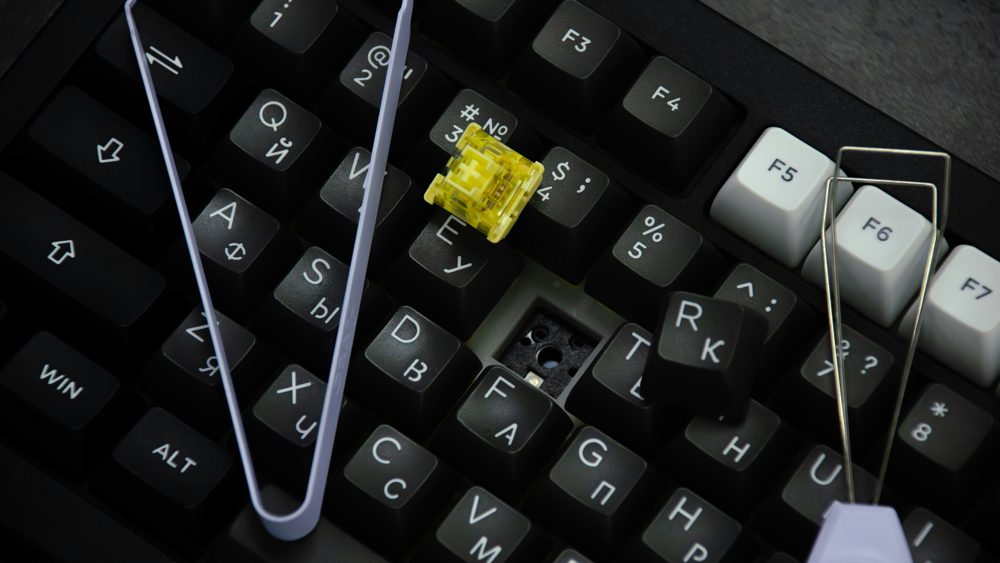
Look at the key travel and noise. Quieter keys suit shared rooms. Some keyboards have a wrist rest. Try to find reviews that mention long typing sessions.
The mouse
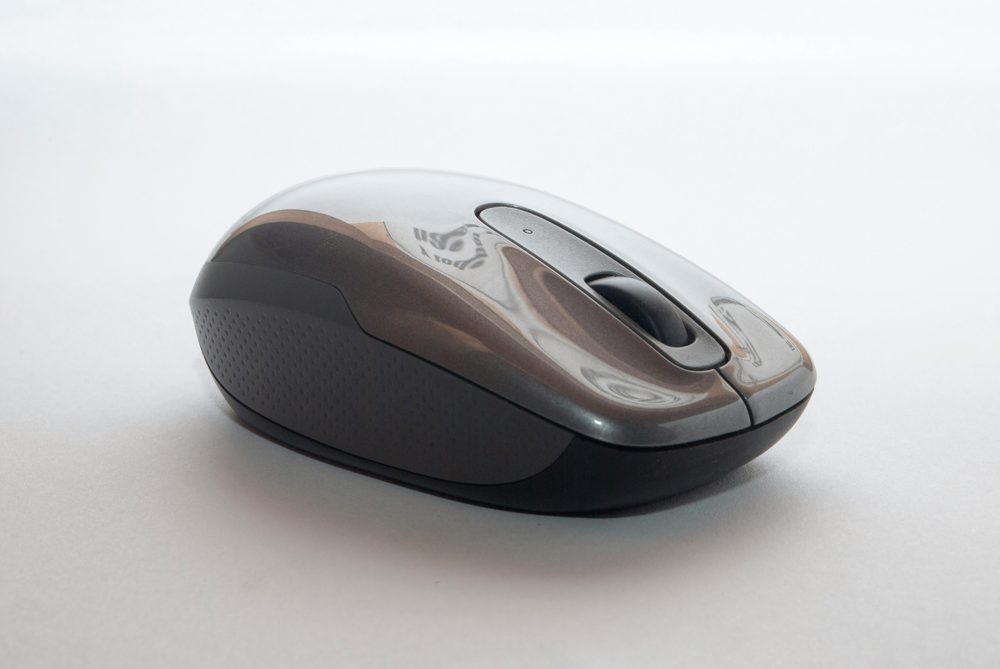
A mouse should fit your hand. Check the size, the weight and whether it suits right or left hand. Some have extra buttons or a quiet click. Optical sensors work on most surfaces, but not on glass.
Compatibility
Check the operating system. Most sets work with Windows, and many with macOS and ChromeOS, but some keys differ.
Range and interference
Most sets work at about 30 feet. Keep the receiver close, and avoid placing it behind a metal case.
Care
Wipe the keys with a slightly damp cloth, and turn the set off when traveling.